How Often Should You Change Passwords? The 2026 NIST Answer
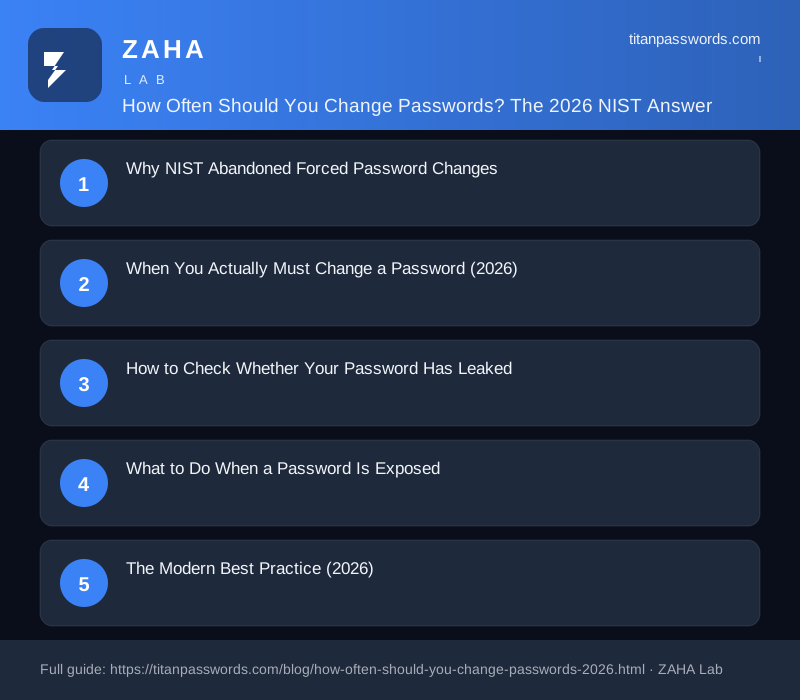
If you still rotate every password on a 90-day schedule, you are following advice that NIST officially abandoned, and that security research shows can make your accounts less safe. The 2026 answer: change a password immediately after a breach, when you reused it elsewhere, or when someone else knows it; otherwise a long, random, unique password can stay unchanged for years.
This guide explains why the 90-day rule died, when you genuinely must change a password, how to check whether yours have leaked, and what modern guidance actually says.
Why NIST Abandoned Forced Password Changes
For decades the default corporate policy was "change your password every 90 days." NIST's own research and that of security firms showed the policy backfires:
- Users pick weaker passwords. When forced to rotate constantly, people choose simpler, more predictable passwords and append a digit or symbol ("Summer2026!", "Summer2026!1"), patterns attackers test first.
- Reuse increases. The more passwords you must remember, the more you reuse the same one across sites, amplifying the damage of any single breach.
- Post-it notes and password fatigue. Frequent rotation pushes users toward writing passwords down or storing them insecurely.
NIST SP 800-63B now says: verify new passwords against known-breached lists, stop hinting questions, and require a change only when compromise is suspected. The 90-day mandate is gone, and security policies that still enforce it are working from a pre-2017 playbook.
When You Actually Must Change a Password (2026)
Replace these four categories of passwords today:
| Situation | Action |
|---|---|
| A service you use announces a breach | Change immediately, and on any account where you reused that password |
| You reused the same password on multiple sites | Change every instance to a unique random password |
| Someone else knows it (shared, written down, shown on screen) | Rotate immediately |
| Your password is short, weak, or pattern-based | Upgrade to 16+ random characters |
How to Check Whether Your Password Has Leaked
You don't need a calendar, you need visibility:
- Have I Been Pwned (haveibeenpwned.com), free, checks your email against billions of breached records; the Pwned Passwords service checks an individual password without sending it.
- Password manager breach alerts, managers like 1Password, Bitwarden, and Dashlane screen saved passwords against breach lists and flag compromised ones automatically.
- Service notifications, many banks and major platforms now notify you when your account appears in a credential-stuffing list; treat every such alert as a real compromise until proven otherwise.
What to Do When a Password Is Exposed
- Change the affected password immediately, before you do anything else.
- Change the same password on every other account where you reused it.
- Enable multi-factor authentication on the account and any financial services connected to it.
- Review recent logins and transactions for anything you didn't do.
- Generate the replacement with a client-side random password generator, 16+ characters, symbols included, and store it in a password manager.
The Modern Best Practice (2026)
- Unique everywhere. One long random password per account. Reuse is the single biggest risk.
- Rotate on events, not dates. Breach, reuse discovery, suspected compromise, those trigger changes.
- Use a password manager. You can't remember 50 unique 16-character passwords; a manager lets you not have to.
- Add MFA and passkeys. A second factor makes a stolen password useless on its own; passkeys remove the reusable secret entirely.
- Screening beats rotation. Check new passwords against breach lists instead of blindly resetting old ones.
Frequently Asked Questions
How often should I change my passwords?
Only when there is a reason: after a breach or leak that involves the account, when you discover you reused the password elsewhere, when someone else knows it, or when the service tells you to. For a strong, unique, randomly generated password that has never leaked, there is no schedule, NIST and modern guidance say leave it alone.
Did NIST really stop recommending password changes?
Yes. NIST SP 800-63B removed mandatory periodic password changes (the old 90-day rule) because forced rotation pushed people toward predictable, reused passwords. NIST now recommends changing a password only when there is evidence of compromise.
How do I know if my password leaked?
Check Have I Been Pwned for your email addresses, and use a password manager that screens new passwords against known-breached lists. If a service you use announces a breach, change that account's password immediately, and any account where you reused it.
Does changing passwords often make accounts more secure?
For most people, no. Forced frequent changes encourage weaker, reused, easier-to-remember passwords, and research shows many users respond to rotation mandates by just appending a number. A long random password changed only on real compromise events is stronger in practice.
What passwords should I change right now?
Any password you've reused across multiple sites, any password shorter than 12 characters, any password that appears in a breach you were part of, and any password you've shared or written down in plain view. Replace them with 16+ character random passwords from a client-side generator.